Nov. 4 2026
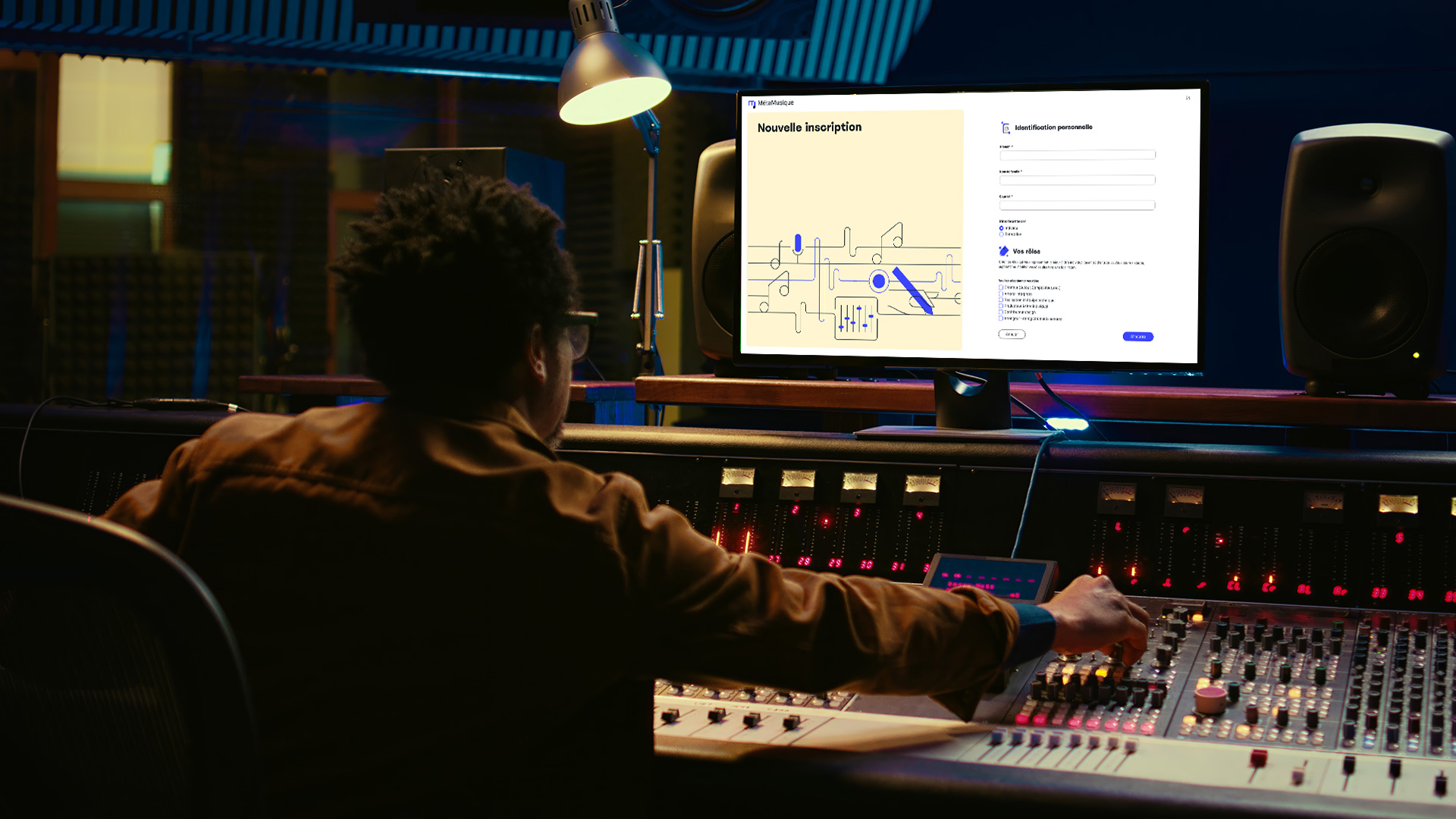
To make your integration into MetaMusic as easy as possible, a little preparation is all it takes, which should only take a few minutes. Whether you’re creating a brand new account or have received an invitation, you’ll need some information to complete your profile and get the most out of MetaMusic and its connections.
The level of preparation will differ depending on whether you play multiple roles and/or run a business, even as an artist-entrepreneur. However, all the information you have access to in several different places will now be linked to your account and profile for each contribution to remove any ambiguity about your identity!
For some roles, such as directors, technicians, designers, or album artwork contributors, there’s nothing special to prepare at all.
If you are associated with a label, management company, publishing house, producer, or any other organization/collective, you may be invited by them. Make sure you keep your records up to date.
Here is an overview of the main roles that require some preparation.
 Songwriters and Publishers
- If you are a songwriter based in Canada and you are not yet a SOCAN member, go and register right away! If you are a member of a foreign management society, especially if you have created works in collaboration with SOCAN members, you can add your IPI number to take advantage of the automatic work creation features.
- For songwriters and publishers who are members of SOCAN, you will need 2 IDs and one document:
- Your IPI: This identifier is global and is required to import your SOCAN catalogue and automatically generate your works. It is visible in your SOCAN account or even in the public SOCAN repertoire.
- Your SOCAN membership number is optional, but you can add it for future reference when SOCAN has a public API.
- If you are a SOCAN member, you can download your catalogue of works in CSV format. You will need it shortly.
 Artists
- If you are not a member of any performers’ rights management society, we recommend that you sign-up to Artisti!
- Artisti members must have their Artisti membership number in their possession (available on the portal) and use the same email address to manage their account. This will automatically connect your two accounts and retrieve your IPN (International Performer Number), your groups and artist name, in addition to allowing you to submit catalogue submissions!
- If you created your MetaMusic account with an email address other than the one you use with Artisti, simply add the email address you use at Artisti to your profile settings and you’re all set.
- MROC members transitioning to Artisti in 2025 can also add their MROC ID in preparation for the transfer. A procedure will be announced in due course. You can add your IPN manually if you have it.
- If you are a member of SoundExchange or any other collecting society where you wish to make declarations, you can optionally add it here. Eventually, we will be able to identify other exports and connections for you and add an export for those societies.
 Makers, Artist Entrepreneurs, and Record Labels
Artists and entrepreneurs, as well as Makers, record companies, and labels, should be members or shareholders of a collective management organization for Makers’ rights (master’s rights). If this is not already the case for you, we suggest that you become a member of Panorama.
- Panorama members can connect their account to MetaMusic to submit a declaration directly within MetaMusic. Simply add your Panorama ID and ensure your account is associated with one of the email addresses used in Panorama. Unsure if this is the case? Add your organization’s Panorama administrators to the MetaMusic administrators.
- Makers and record labels that make their physical legal deposit at the BAnQ have an 8-digit identifier. You can add this identifier to MetaMusic. This will allow you to submit your digital legal deposit.
- If you are a member of SoundExchange or any other collecting society where you wish to submit declarations, you can optionally add it here. Eventually, we will be able to identify other exports and connections for you and add an export for those societies.
Regardless of the collecting society to which you declare your recordings and releases, you will need your own ISRCs. Correctly identify the last ISRC used, or at least your first producer code, to generate your future ISRCs when documenting your first sound recording in MetaMusic. When documenting your first sound recording in MetaMusic, be sure to start with your last ISRC.
 Studios, Producers and Technicians
If you are a studio manager, producer, mixer, master or other technical roles in the studio, you do not have specific unique identifiers to identify or retrieve.
- For all technical roles in the studio (director, sound engineer, etc.), simply add the “Director and Technical Crew” role to your contributor profile to be easily added to a recording documented by a producer. The specific role will be added to the recordings themselves.
- For studio managers, it is possible that some studios have been included in MetaMusic from a list of studios added to a catalogue statement in recent years. If your studio is among these, please contact us at support@metamusique.ca so that we can merge with your listing or simply give you control of the current listing.
- If you are an artist, producer or other and you wish to add a home studio (private or public), you will be able to create one quickly during the documentation of your sound recordings.
 ISNI: an identifier for all individual, collective, or corporate contributors
If you have been working in music – or other creative sectors – for some time, it is possible that you already have an ISNI, maybe even several!
What is an ISNI? In the same way that an ISBN identifies a book, an ISRC identifies a sound recording and an ISWC identifies a musical work, the ISNI code (from the English International Standard Name Identifier) makes it possible to unambiguously identify the contributors to a creative work in the digital universe. It is an ISO standardized international code for names used to identify a person or organization involved in the creation, production, management, and distribution of intellectual or artistic content. An ISNI consists of 16 digits and is unique: each identifier can only be assigned to one person or organization. It is increasingly used and required for music creators and contributors, particularly at Apple and YouTube. It is possible to have multiple ISNIs if you create under different, distinct public identities—for example, if you are a solo artist with a stage name who also creates under your legal name—but only one ISNI per public identity is recommended. Over the years, however, several duplicates have been created.
Rest assured, you will not have to manually add this identifier to your profile.
In your MetaMusic profile management interface, you will be able to:
- Do a search using your legal name, stage name, pen name, and alias to find out if you have one or more.
- validate which ones are yours and assign them to the correct identities where applicable
- associate them with your roles and stakeholders for a future merger in collaboration with the international agency ISNI.
Don’t see any results? MetaMusic is an ISNI registrar agency and we can help you generate your own ISNI.
A detailed guide related to ISNI will be published shortly, but in the meantime, You can check if you have an ISNI without necessarily creating a MetaMusic account on isni.ca.
And Now?
Now that you have gathered your basic information, you can go create an account on the MetaMusic portal. Once your account is created, you can gather your collaborators in several ways, which you can discover here.
If all your collaborators are already active or if you are working solo, you can already start documenting:
- the works already registered with SOCAN by importing your catalogue
- the sound recordings of which you are the producer
- the releases for which you are the maker or label
- the submissions to management companies and metadata exports
Don’t forget that MetaMusic invites you to sessions to help with metadata documentation. Come see us with your questions!